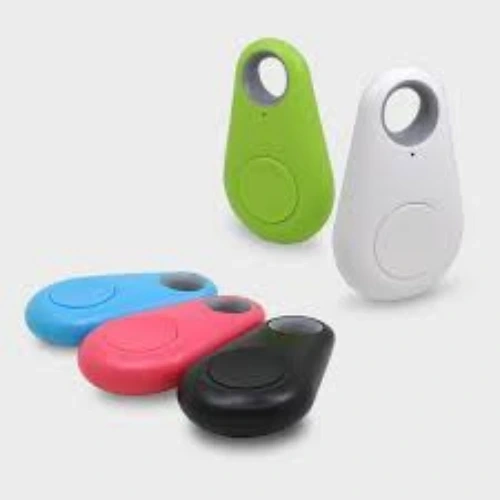
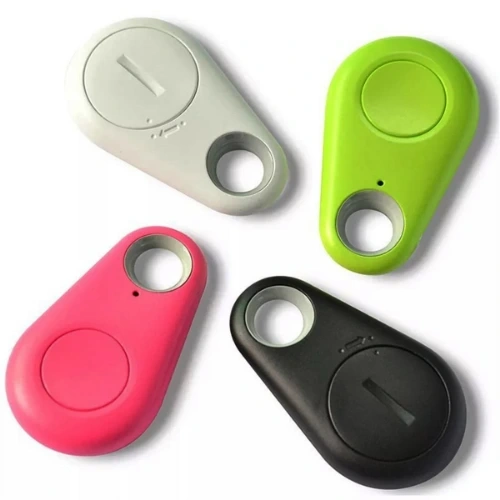
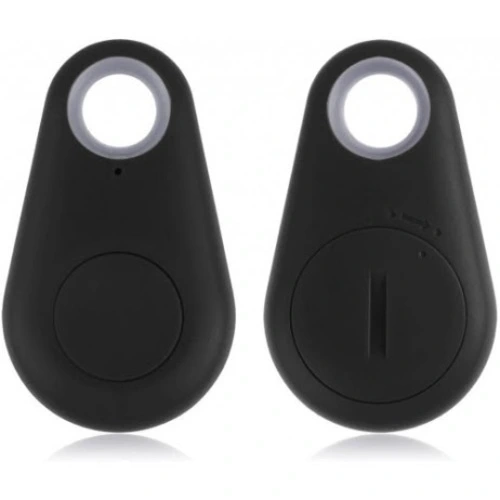
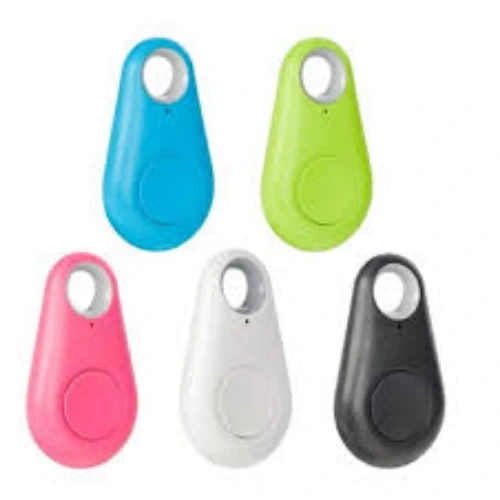
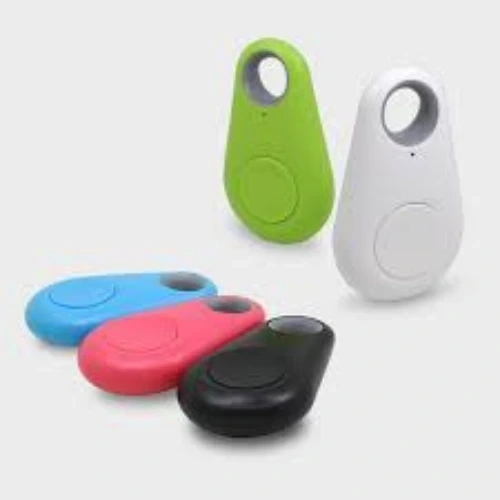
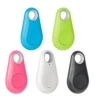
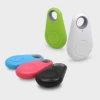
Bluetooth Lost Item Alarm will prevent you from losing your valuable items and has multifunctional use with its Smart Reminder: iTag Alarmed Item and Phone Loss Preventer. Designed for forgetful users and those who easily lose items, the Smart Reminder: iTag Alarmed Item and Phone Loss Preventer helps you avoid losing your valuable items. Do you frequently forget or lose your phone or any item somewhere? You can now put an end to all these problems with the phone loss preventer. With iTag, you will never lose your phone again. Thanks to its special technology, it connects with the device via Bluetooth 4.0, ensuring minimal energy consumption. In open areas, it operates bidirectionally between the smartphone and the reminder device at a distance of 25 meters, and in enclosed areas, 10 meters. When you move outside the coverage area, both the iTag issues an audible alarm and the phone provides auditory and visual warnings, offering practical use. It is a low-power product that works with all smartphones supporting Bluetooth 4.0 and above. With a multifunctional item loss preventer, you can also take #selfies. Even when your phone is in your hand or when you are 25 meters away, you can take photos thanks to iTag. After opening the iTag app, simply navigate to the camera section. You can take photos by pressing the button on the device once. iTag is especially a Smart Reminder for forgetful users and those who easily lose items to avoid losing their valuable items. iTag allows you to view the location where it was last paired, helping you remember the position of cars whose parking spot you forgot. It is suitable for wallets, cars, children, pets, bags, or any other lost items. Note: In the original app settings, the double-press feature is selected for the find my phone feature. If you want to record a sound, you need to change the "Double Click Setting" in the "Settings" section to adjust the double-click setting. What Can I Do with the iTag Lost Item Alarm? You can prevent any object from being lost. Thanks to Bluetooth 4.0 connection, it automatically activates when you exceed the maximum distance of 25 meters between your phone and the item you use the iTag device with, with minimal energy consumption. Both your phone vibrates to sound an alarm and the device vibrates and beeps. This way, you won't lose any item due to negligence. You can now use the iTag device. Remember, you can use multiple iTags with a single phone. Example: You can use one for your keys and another for your pet. You can pair up to 10 devices with your phone and use them simultaneously. Where Can You Use the Lost Item Finder Alarm? On your keys On your pet (Cat, dog) In your luggage during travels In your bag When shopping for your child How to Use the iTag Lost Item Finder Alarm? After purchasing the iTag device, all you need to do is install the iTracing app on your phone. The app is available for iOS and Android devices. You can find the app in your device's app market by typing "iTracing." After downloading the app, you need to pair the device. First, we start the iTag device by holding down the button for 2 seconds. After the device beeps twice, you need to open the iTracing app on your phone and conduct a device scan. We establish a connection by saying "Connect" to the found iTag device. Technical Specifications Operating Distance: Approximately 25m (Outdoor) - Approximately 10m (Indoor) Battery: CR2032 Lithium Coin Battery Bluetooth Version: Bluetooth 4.0 Color: Black Required App: cTracing Full compatibility with iOS and Android (You can download the necessary app from iTunes-Google Play) iTag Compatibility Bluetooth with iPhone 4S / 5 / 5S / 5C, iPad Mini, iTouch 5, iPad 3/4 iPad Air Full compatibility with Android systems Product Dimensions 5.3 cm. * 3.1. cm. * 1 cm.